15 Gaming Room Ideas Ultimate Setup Guide For 2026
15 Gaming Room Ideas Ultimate Setup Guide For 2026

A gaming room should feel good, look clean, and work well for long play sessions. In 2026, the best gaming room ideas are not only about RGB lights and a big screen. A strong setup needs comfort, good lighting, smart cable control, clean sound, useful storage, and enough space to move.
Gaming is also changing fast. Cloud gaming, handheld gaming, PC gaming, console play, and streaming are all part of the same home setup now. BCG’s Video Gaming Report 2026 says cloud gaming is moving gaming toward a more hardware-free future, and 60% of surveyed players had already tried cloud gaming, with 80% of them reporting a positive experience. That means the modern gaming room should be flexible, not locked to one device only.
The goal is simple. Build a room that looks good on camera, feels easy to use, keeps your body comfortable, and supports the way you play now and later.
Start With A Clear Gaming Room Layout
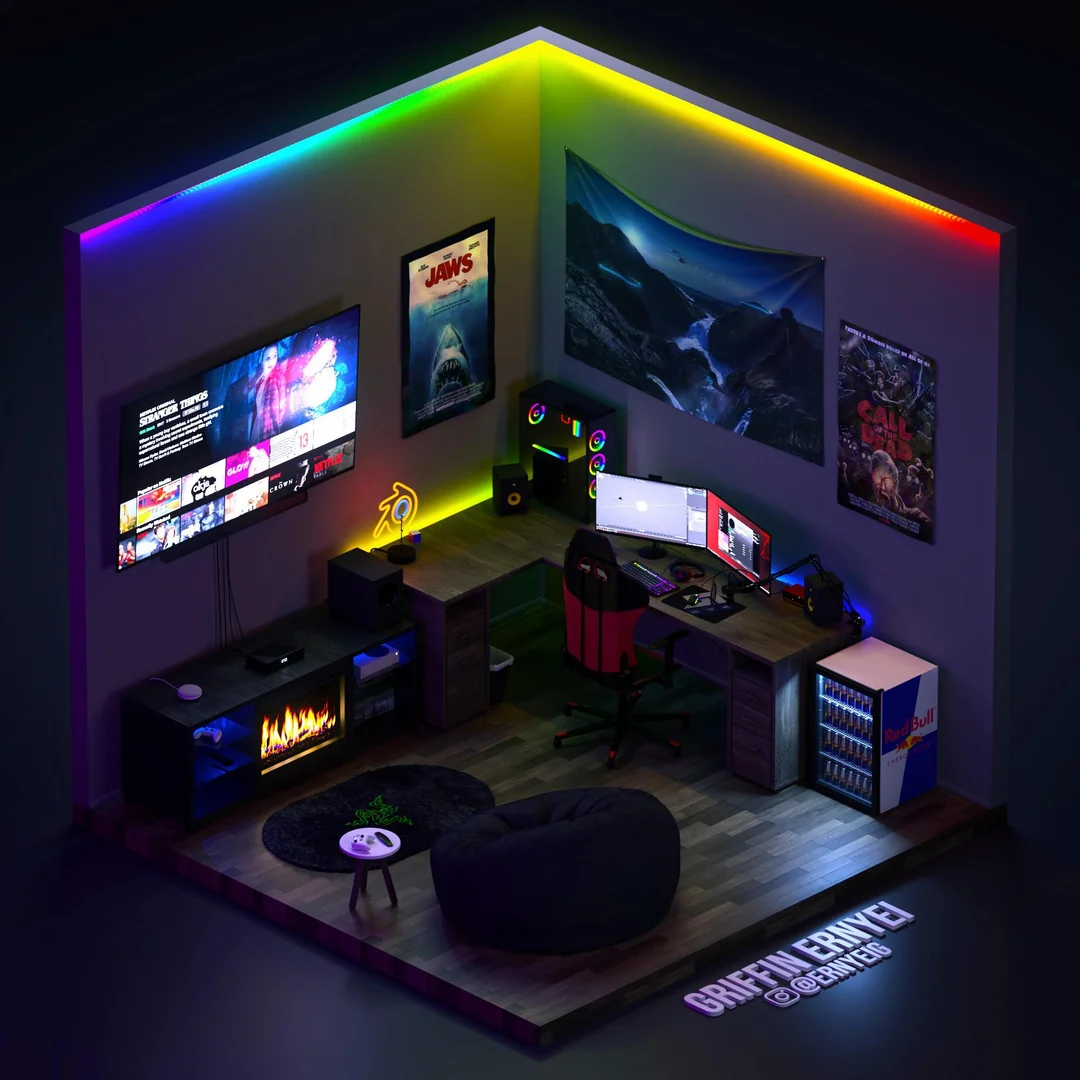
The best gaming room starts with the layout, not the gear. Before buying a desk, chair, lights, or shelves, decide where the main screen will go. The screen should not face direct window glare. It should also not sit where people keep walking behind you, especially if you stream or play competitive games.
A good layout gives you one clear play zone. The desk, chair, monitor, keyboard, mouse, console, and headset should all sit in a way that feels natural. You should not need to twist your back to reach a controller or bend down every time you plug in a cable. This sounds simple, but many gaming rooms fail because the furniture is placed first and the body is considered last.
For small bedrooms, place the gaming desk on the wall with the fewest distractions. For a full gaming room, keep the setup away from the door if possible. This gives the room a focused feel and helps the setup become the main feature.
Choose A Desk That Fits Your Real Setup
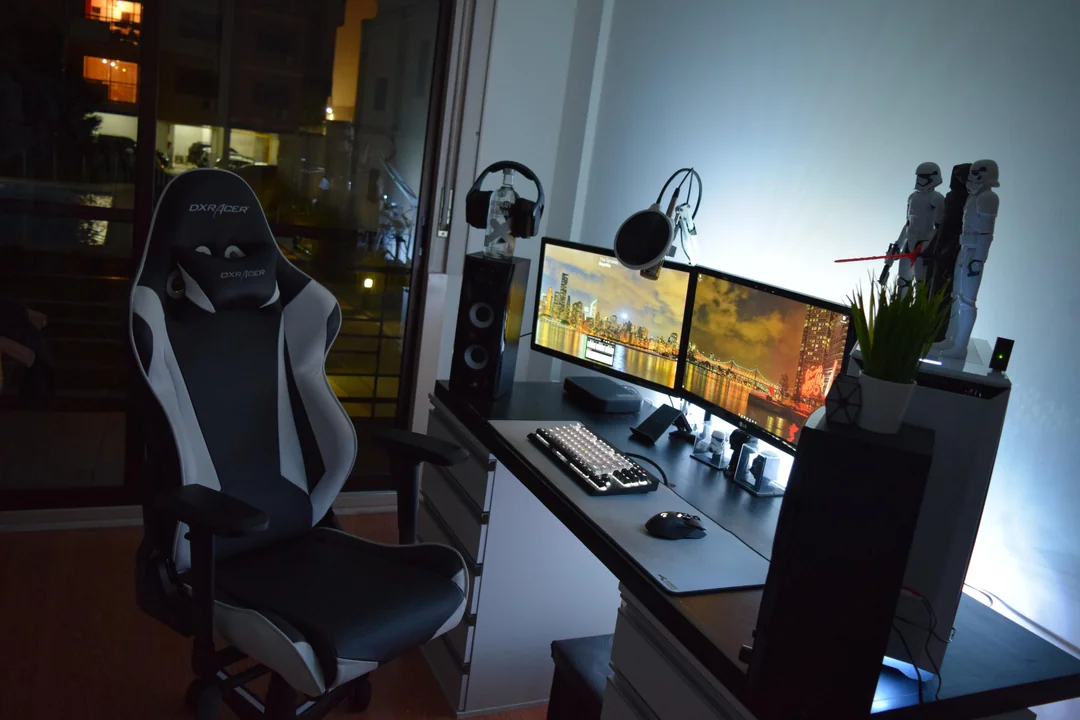
A gaming desk should match your actual gear. A small desk may look neat in a photo, but it can feel cramped once you add a monitor, keyboard, mouse pad, speakers, controller dock, stream deck, and drink space. A wide desk gives your arms room and keeps the setup from feeling tight.
For 2026, simple desks with strong cable control are better than bulky desks with too many shapes. A flat surface is easier to clean and easier to style. If you use two monitors, choose a deeper desk so the screens are not too close to your face. Mayo Clinic recommends placing a monitor about an arm’s length away, with the top of the screen at or slightly below eye level.
A standing desk can also work well if you play, work, edit videos, or stream in the same space. The key is stability. A desk that shakes while typing or moving the mouse will feel cheap, even if it looks good.
Set Up The Monitor At The Right Height
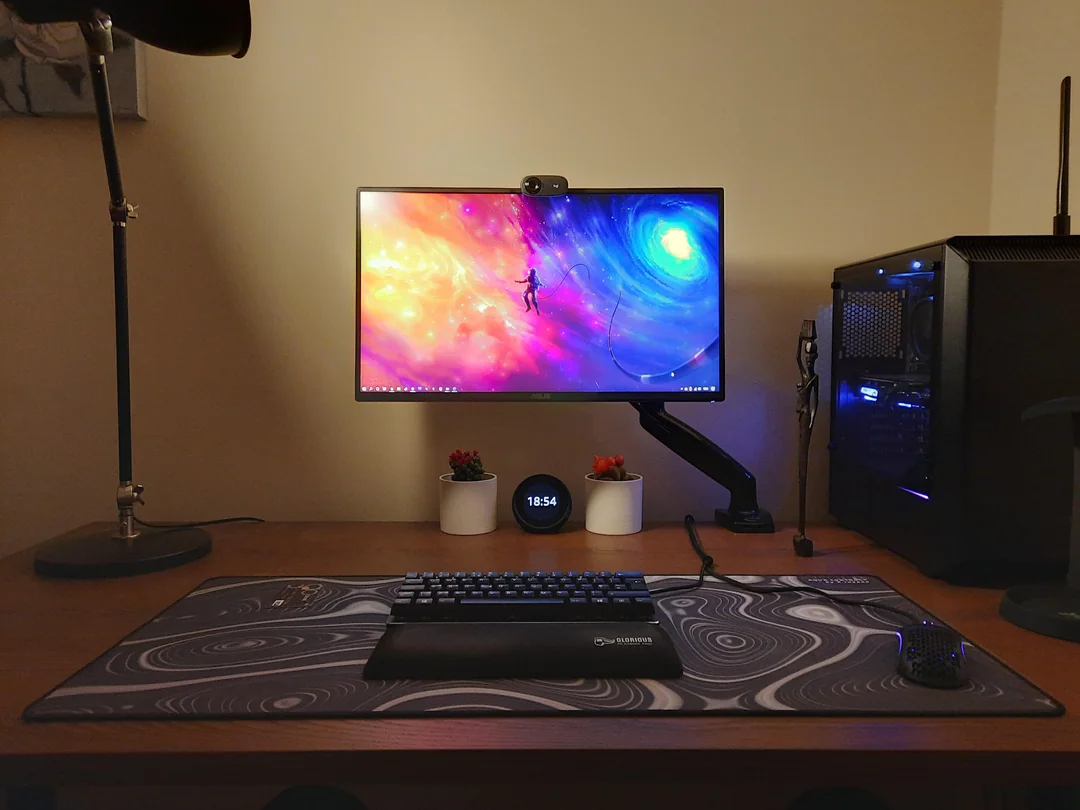
A gaming monitor is one of the most important parts of the room. It affects comfort, aim, focus, and eye strain. The best monitor position keeps your neck relaxed and your eyes steady. OSHA says the top of the monitor should be at or slightly below eye level, with the center of the screen normally below horizontal eye level.
For most players, the monitor should sit straight in front of the chair. Do not place it too far to the side unless it is a second screen for chat, music, or stream tools. The main screen should always be centered with your body.
If your monitor sits too low, use a monitor arm or riser. This also opens space under the screen for small speakers, a controller dock, or a clean desk tray. A monitor arm is one of the easiest upgrades because it improves both comfort and desk space.
Use A Chair That Supports Long Sessions
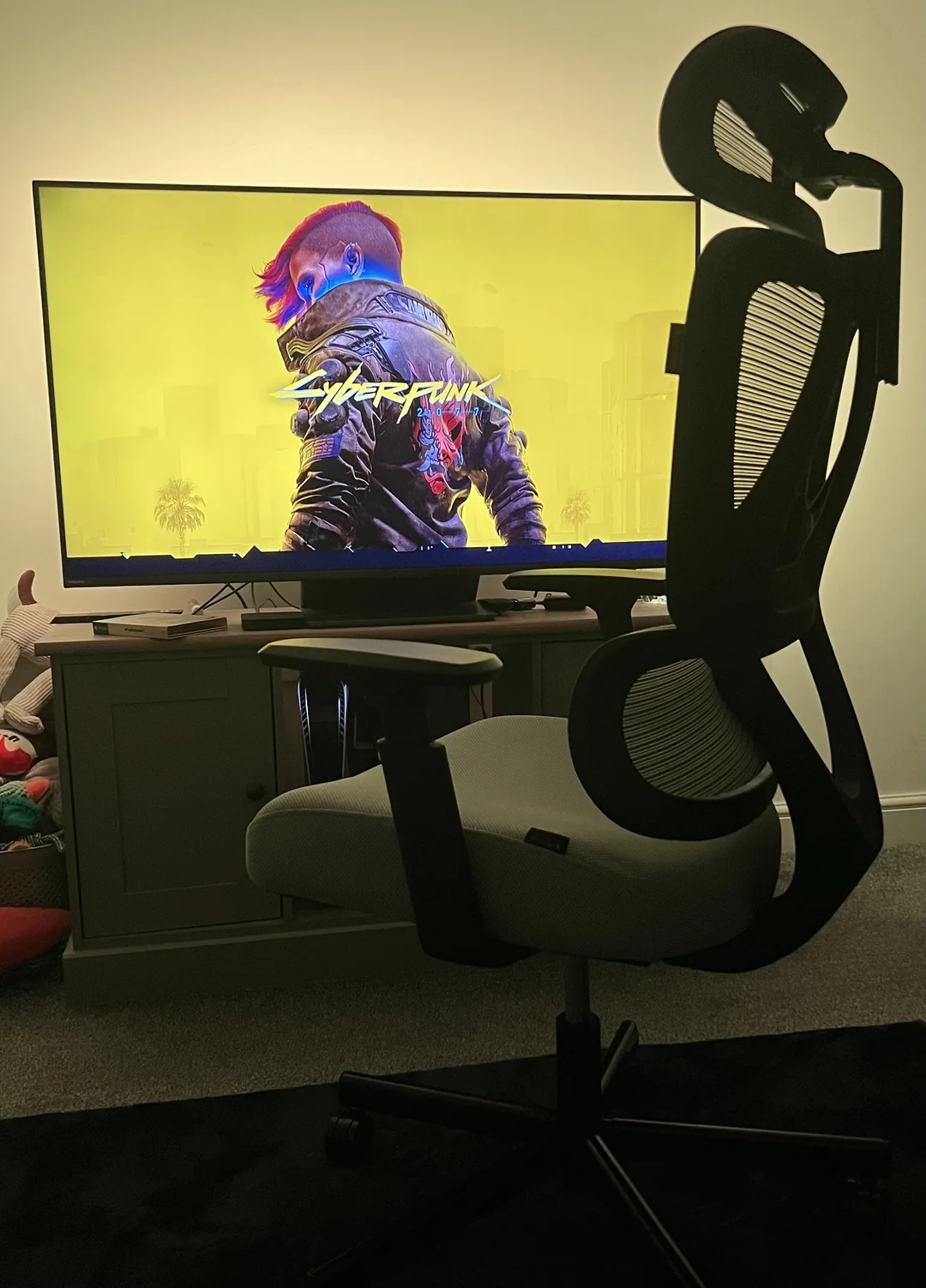
A gaming room needs a chair that supports your body, not just one that looks bold. A chair should let your feet rest flat on the floor, keep your lower back supported, and let your shoulders relax. If your feet hang or your elbows sit too high, the chair and desk are not working together.
Many gaming chairs look exciting, but not all of them are comfortable for long use. A good office chair can work better than a racing-style chair if it has strong lumbar support, adjustable arms, and a seat height that fits you. The National Institutes of Health ergonomics checklist says feet should be fully supported by the floor or a footrest, and the chair should support the lower back.
For a clean 2026 setup, choose a chair in black, gray, tan, brown, or another calm color if you want the room to feel more grown-up. Bright chairs can work, but they should match the full room, not fight with it.
Build Lighting In Layers, Not Just RGB
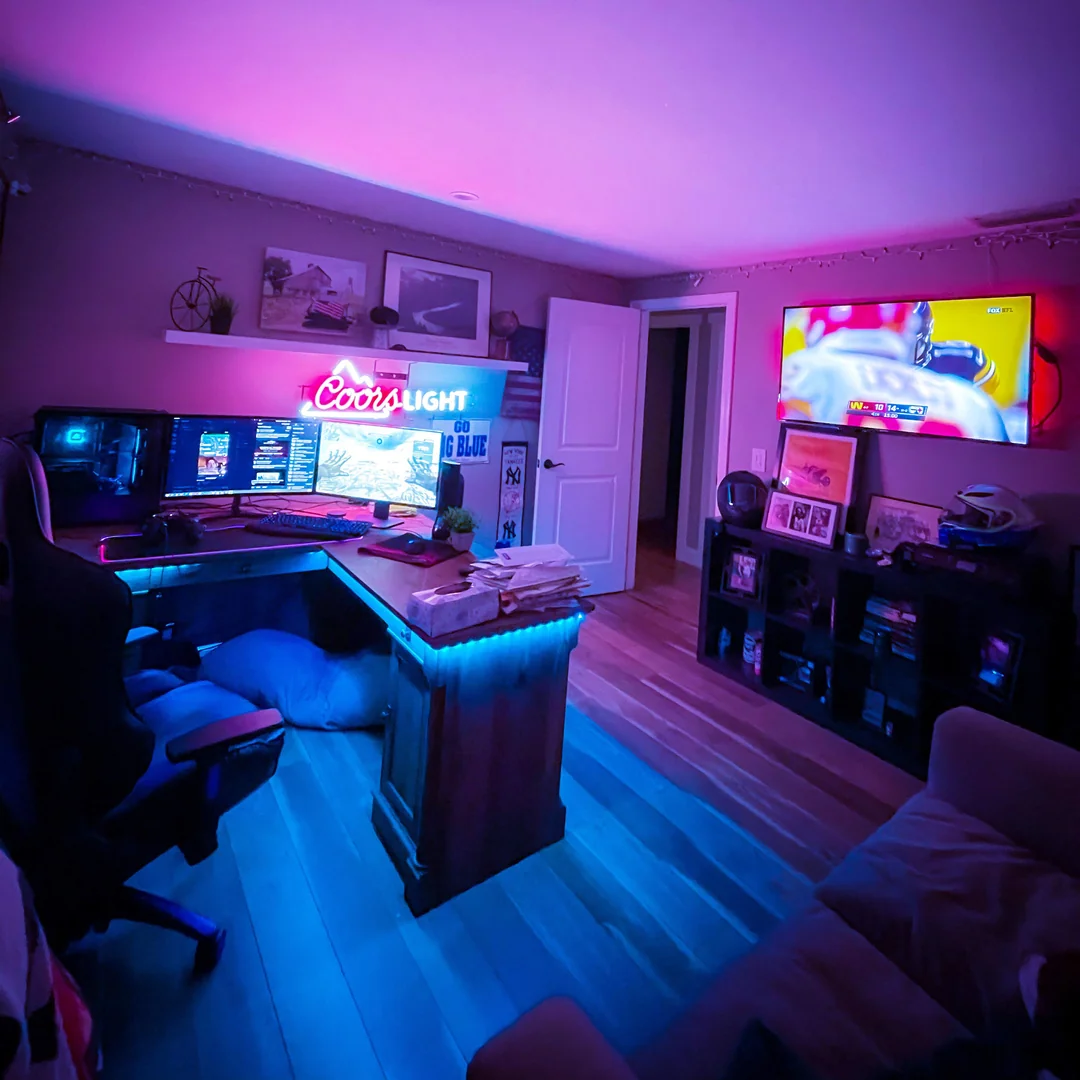
RGB lighting is still popular, but the best gaming rooms use layers of light. One strip behind the desk is not enough. A better setup has soft room lighting, screen backlighting, task lighting, and small accent lights. This gives the room mood without making it hard on the eyes.
BenQ’s 2026 gaming lighting guide explains that gaming lighting is not only for style. It can shape how the room feels and support eye comfort during long sessions.
Place soft light behind the monitor to lower the strong contrast between the screen and the wall. Use a monitor light bar or desk lamp if you also read, write, draw, or build models at the same desk. Keep flashing lights low during serious play. A gaming room should feel alive, but it should not feel like a nightclub.
Add Bias Lighting Behind The Screen
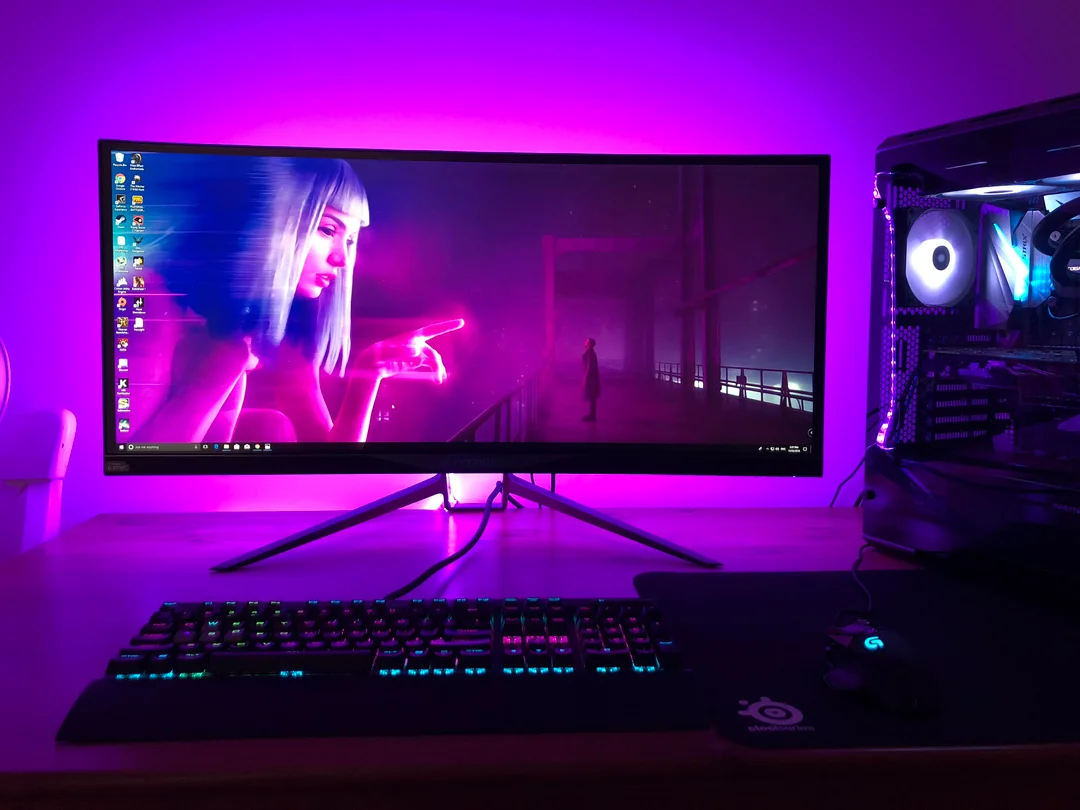
Bias lighting is one of the smartest gaming room ideas for 2026. It means placing soft light behind the monitor or TV. This helps reduce the harsh jump between a bright screen and a dark wall. It also makes the setup look cleaner in photos and videos.
This is especially useful if you play at night. A fully dark room can make the screen feel too bright. A small backlight behind the screen makes the view easier on the eyes and helps the wall feel deeper. The American Academy of Ophthalmology says glare and screen brightness can affect comfort, and adjusting lighting and brightness can help reduce digital eye strain.
Use a soft white, warm white, or low-brightness color behind the screen. Strong red, blue, or purple can look nice in pictures, but it may feel tiring after a while. The best lighting is the one you can enjoy for hours.
Keep Cable Management Clean And Easy To Fix
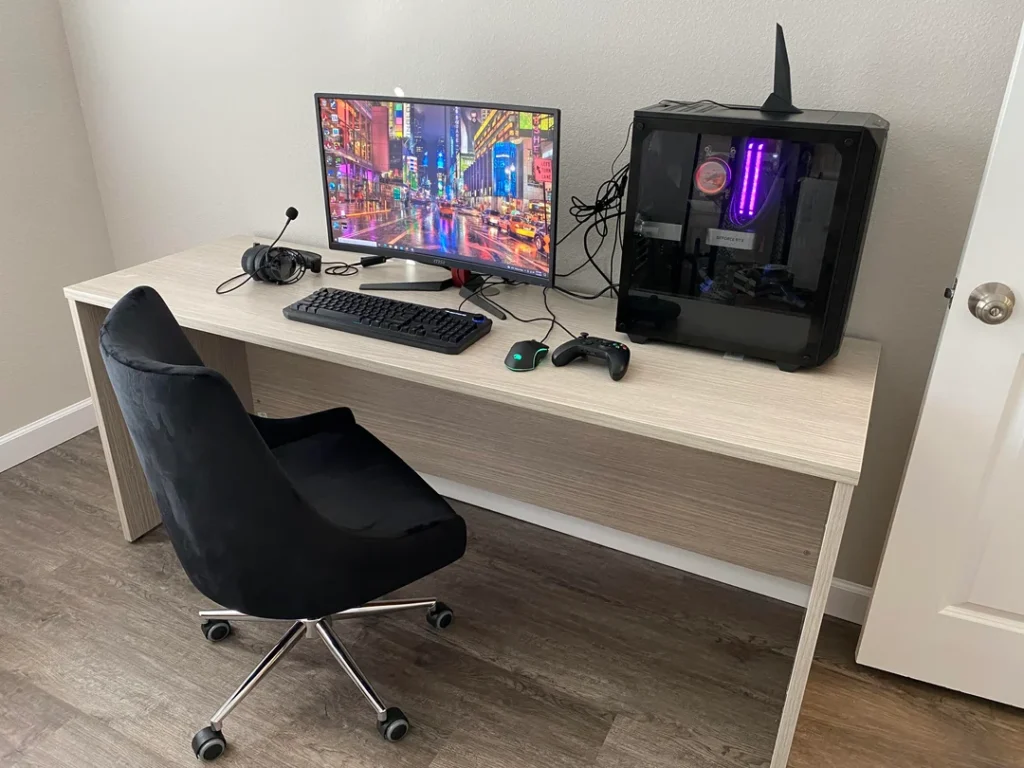
A gaming room can look expensive or messy based on cable control alone. Even a budget setup looks better when the cables are hidden. Use under-desk cable trays, Velcro ties, raceways, clips, and labeled cords to keep everything clean.
Good cable management is not about hiding every wire forever. It is about making the setup easy to repair or upgrade. If you get a new console, monitor, mic, or speaker, you should be able to change one cable without ripping apart the whole desk.
Leave a little extra cable length near moving parts like monitor arms and standing desks. If the cables are pulled too tight, they can disconnect or bend over time. Also keep power strips off the floor when possible. Mount them under the desk or behind a cabinet to keep the room safer and cleaner.
Create A Console And Controller Zone
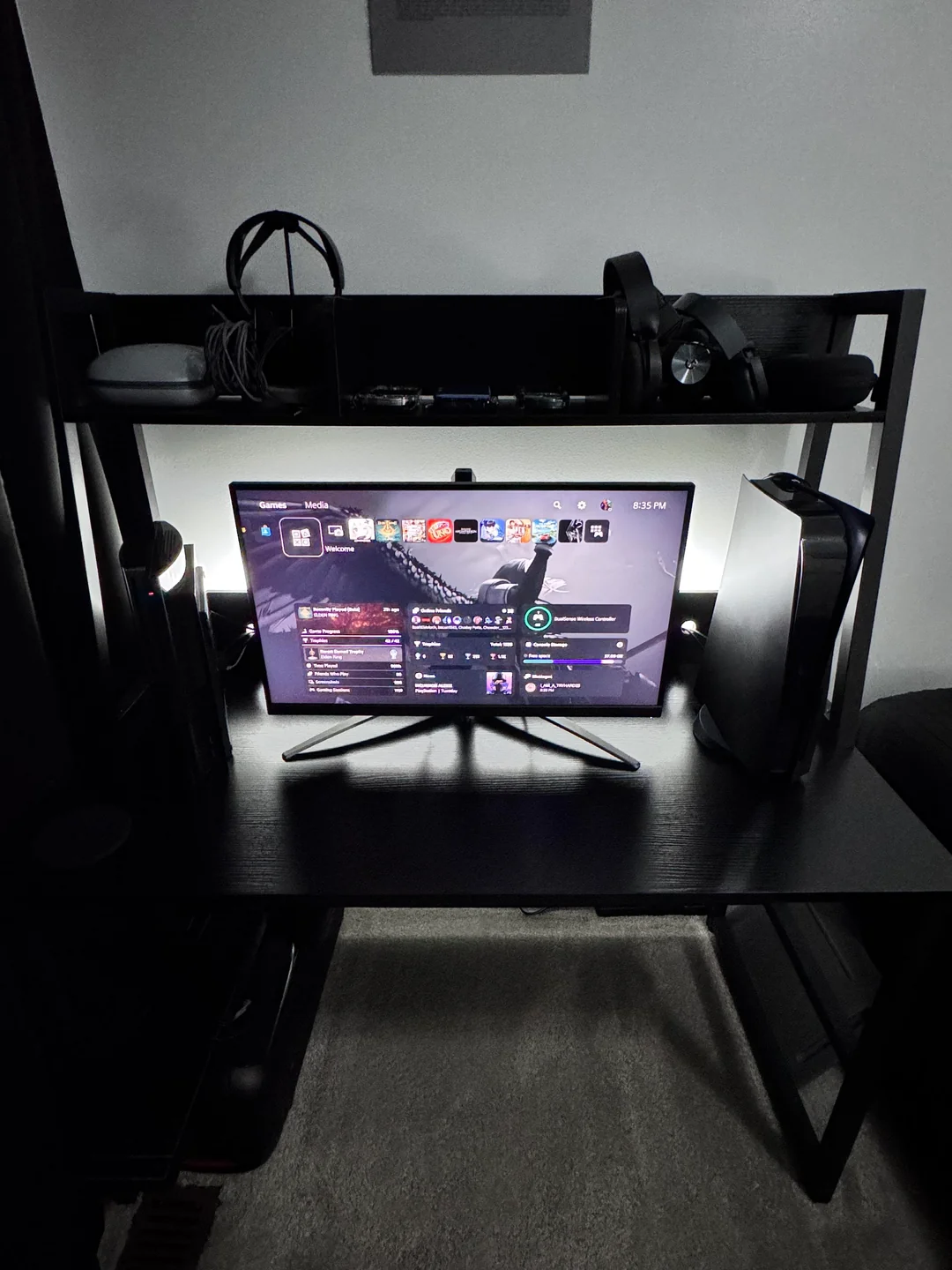
A 2026 gaming room often needs space for more than one device. You may have a PC, PlayStation, Xbox, Nintendo Switch, handheld console, tablet, or cloud gaming device. If every device sits on the desk, the room quickly feels crowded.
Create a simple console zone near the TV or under the main desk. Use a low media cabinet, open shelf, or wall-mounted shelf with enough airflow. Controllers should have one home. A charging dock keeps them ready and stops them from getting lost under blankets or behind the monitor.
This is also a good place for game cases, remotes, capture cards, and spare HDMI cables. Keep the most-used items easy to reach and store older items away. A clean gaming room is easier to enjoy because you spend less time looking for things.
Improve Sound With Better Placement
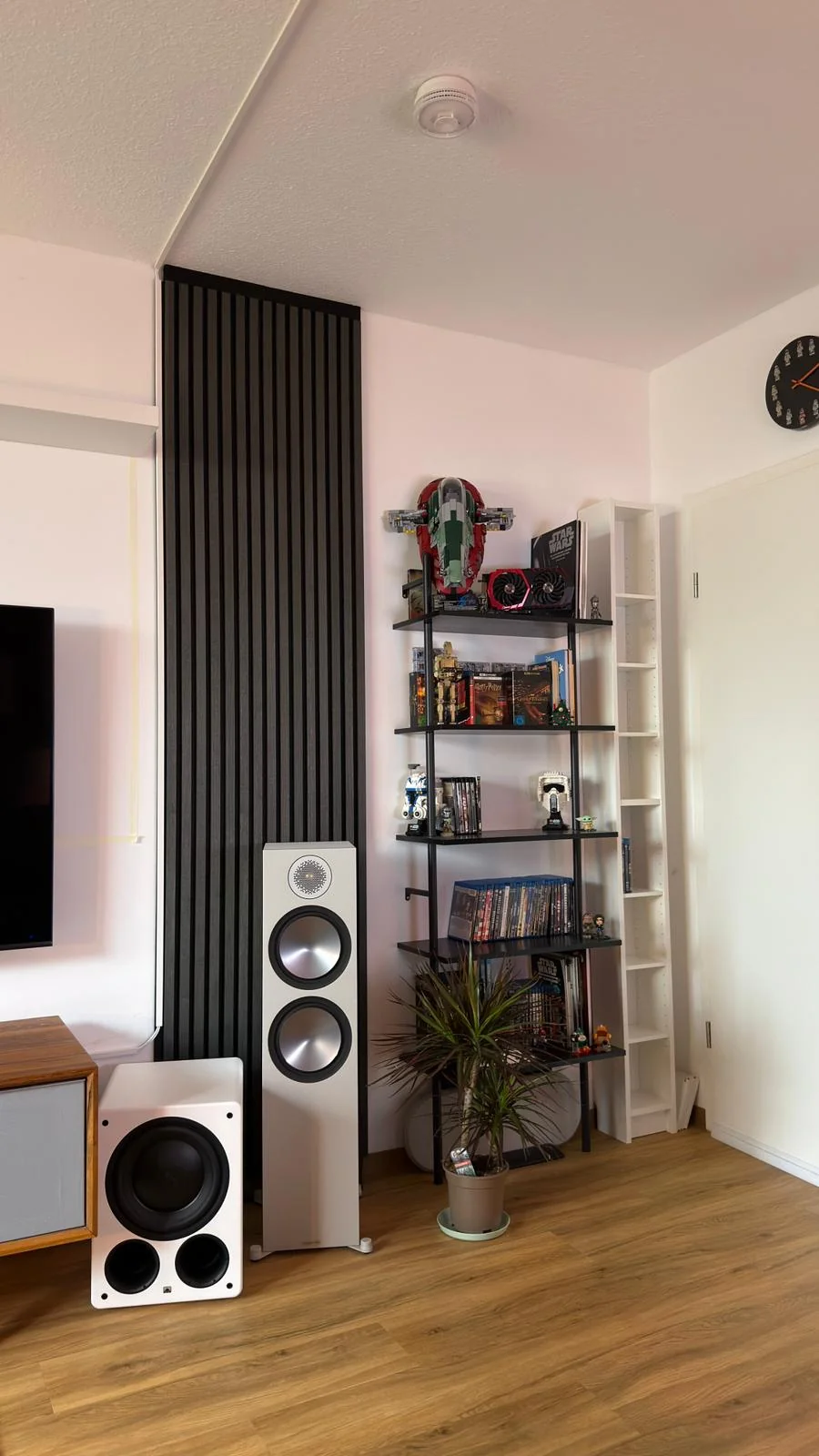
Sound matters in a gaming room. A great screen with poor sound makes the setup feel incomplete. If you use speakers, place them at the right height and angle them toward your seat. If one speaker is hidden behind a monitor and the other sits near a wall, the sound will feel uneven.
For headset users, storage is just as important. A headset stand, hook, or under-desk mount keeps the headset safe and easy to grab. Leaving it on the floor or chair can damage the cable, ear pads, or mic.
Room sound also matters. Hard floors, bare walls, and empty corners can create echo. Add a rug, curtains, fabric chair, wall panels, or shelves with books and decor to soften the space. You do not need to turn the room into a recording studio. You only need enough softness so sound does not bounce around too much.
Add Smart Storage For Gear And Accessories
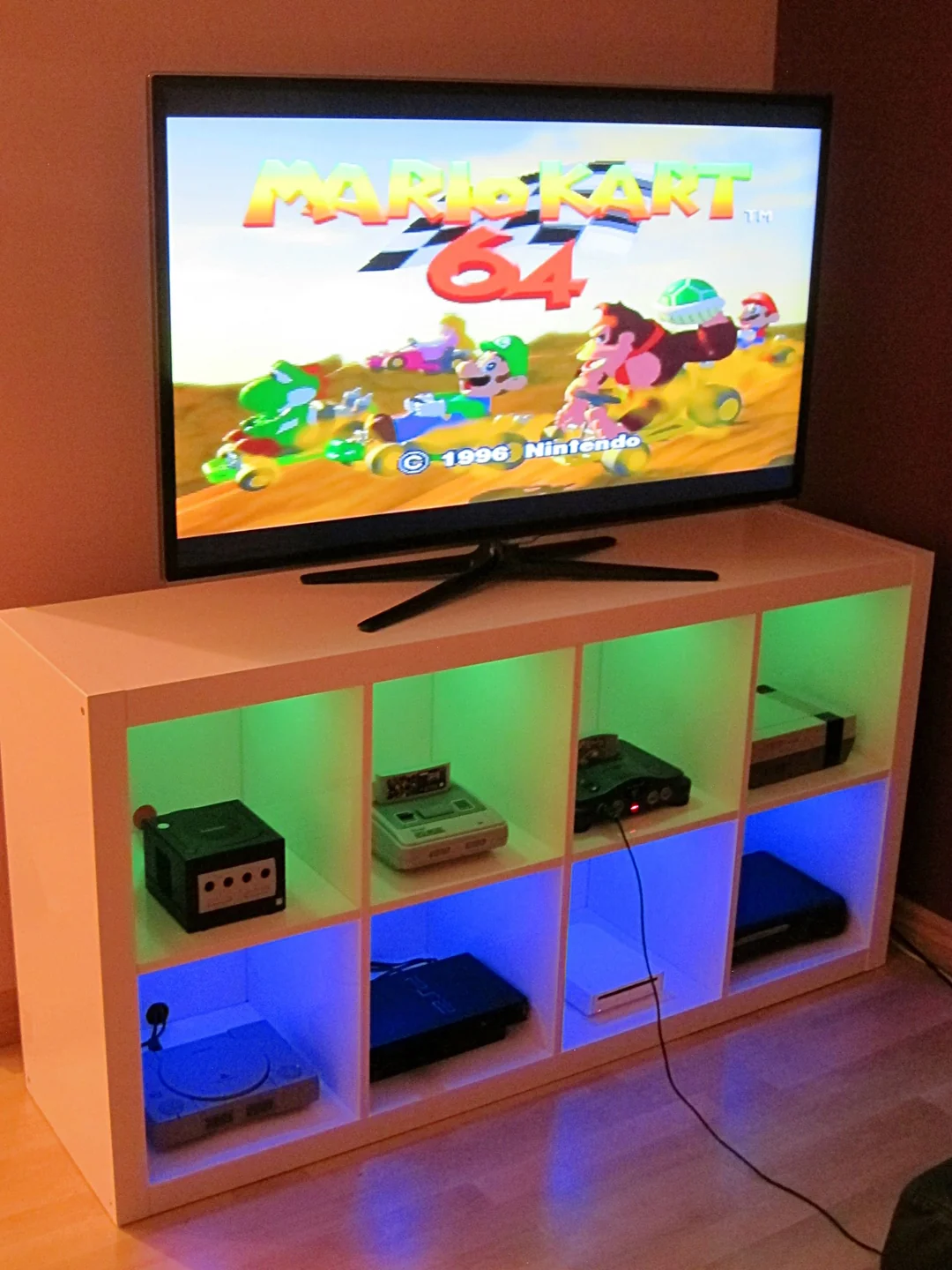
A gaming room needs storage for more than games. It may need space for cables, chargers, boxes, camera gear, controllers, cleaning cloths, batteries, hard drives, extra keycaps, and desk tools. Without storage, these items end up on the floor or desk.
Use drawers for small items and shelves for display items. A closed cabinet is best for things that do not look nice, like cable boxes and spare parts. Open shelves work well for figures, books, collectibles, plants, or a few game cases.
The best storage is close to where you use it. Do not place controller chargers across the room if you use them every day. Do not store cleaning cloths in a closet if your screen gets dusty often. Good storage makes the room easier to keep clean without much effort.
Design A Streaming-Friendly Background
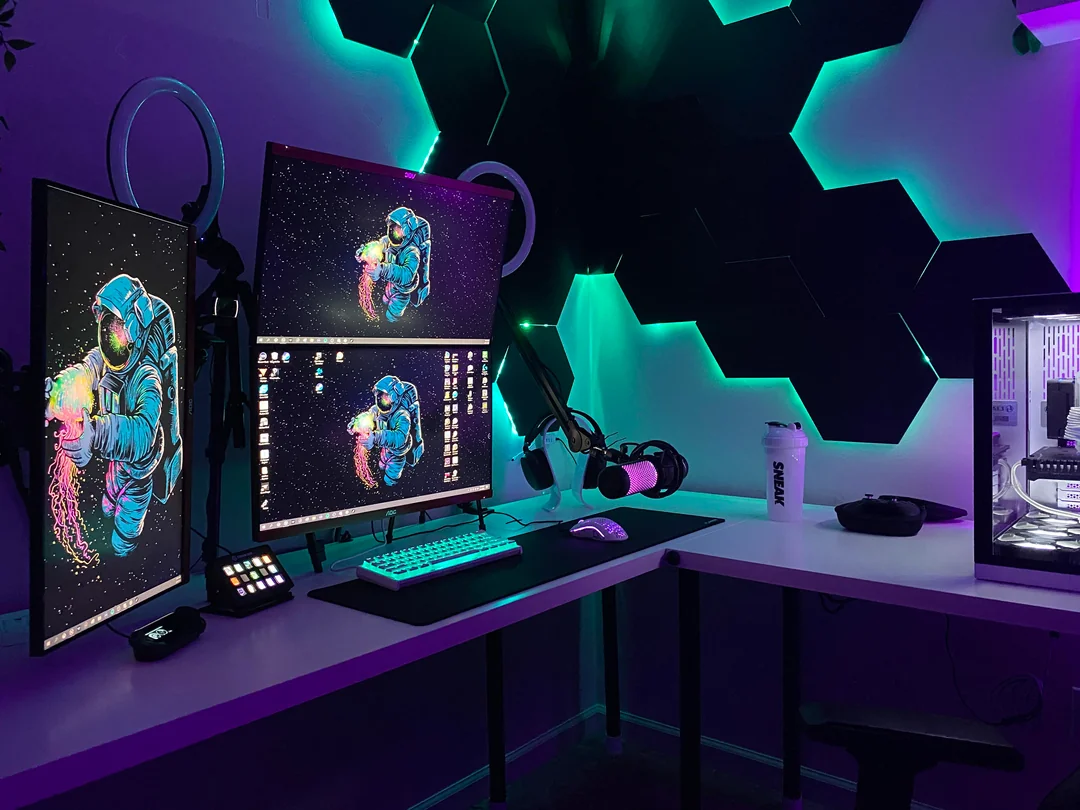
Many players now use their gaming room for streaming, video calls, YouTube, TikTok, or Discord. This means the background matters. It should look clean but not empty. A good background can include shelves, soft lighting, wall art, plants, collectibles, or acoustic panels.
Do not overfill the background. Too many items can distract viewers and make the room look smaller. Keep the best pieces at eye level behind you. If you use RGB lights, set them to steady colors for recording. Fast color changes can look messy on camera.
Also check how the background looks through your webcam, not just in real life. A shelf that looks nice in the room may look cluttered on camera. Test your framing before you buy more decor. The camera view is what the audience will see.
Make A Cozy Gaming Corner For Relaxed Play
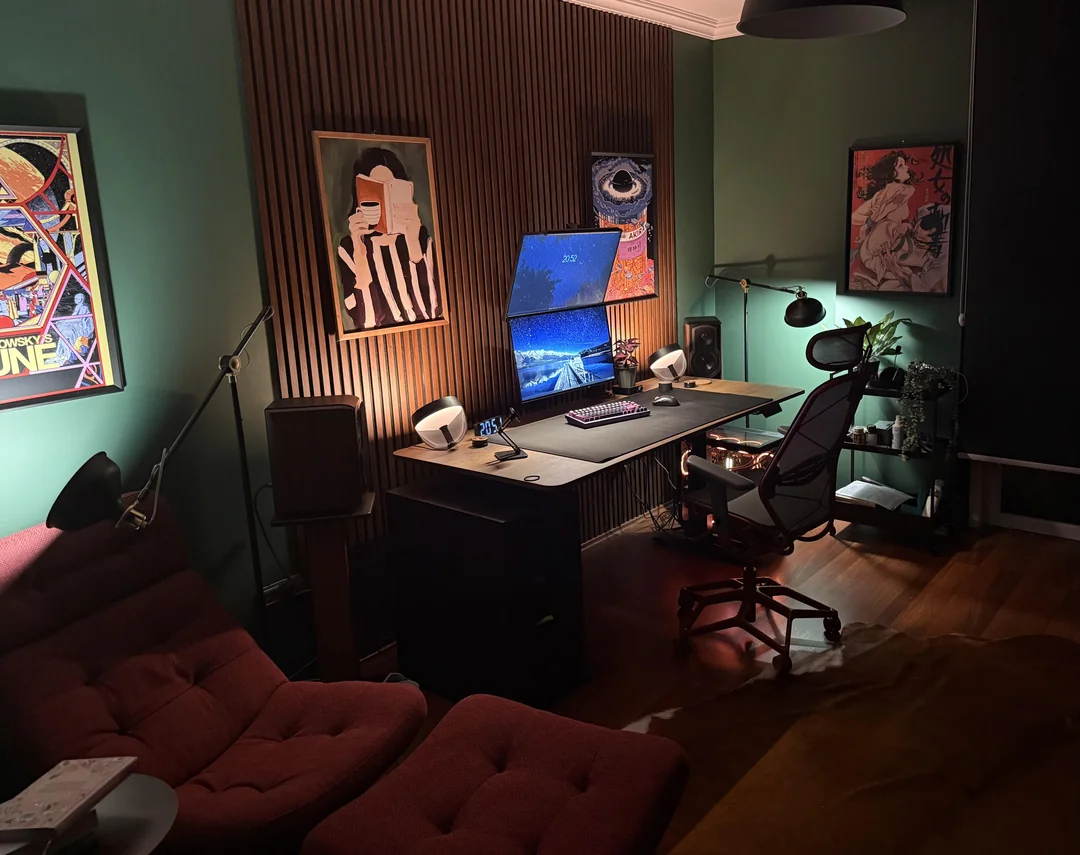
Not every gaming room needs to be a desk-only setup. A cozy gaming corner is great for console games, handheld gaming, RPGs, story games, or watching streams. This can be a small sofa, bean bag, lounge chair, or floor chair with a side table and soft light.
BenQ’s 2026 cozy gaming setup guide notes that cozy gaming setups are shaped by lighting, comfort, and a layout that feels good for long sessions.
Keep this corner simple. Add a blanket, a small table for drinks, a controller dock, and soft lighting near the screen. If the room is small, use a compact chair instead of a full sofa. A cozy corner helps the gaming room feel like a place to relax, not only a place to compete.
Use Wall Decor That Matches Your Game Style
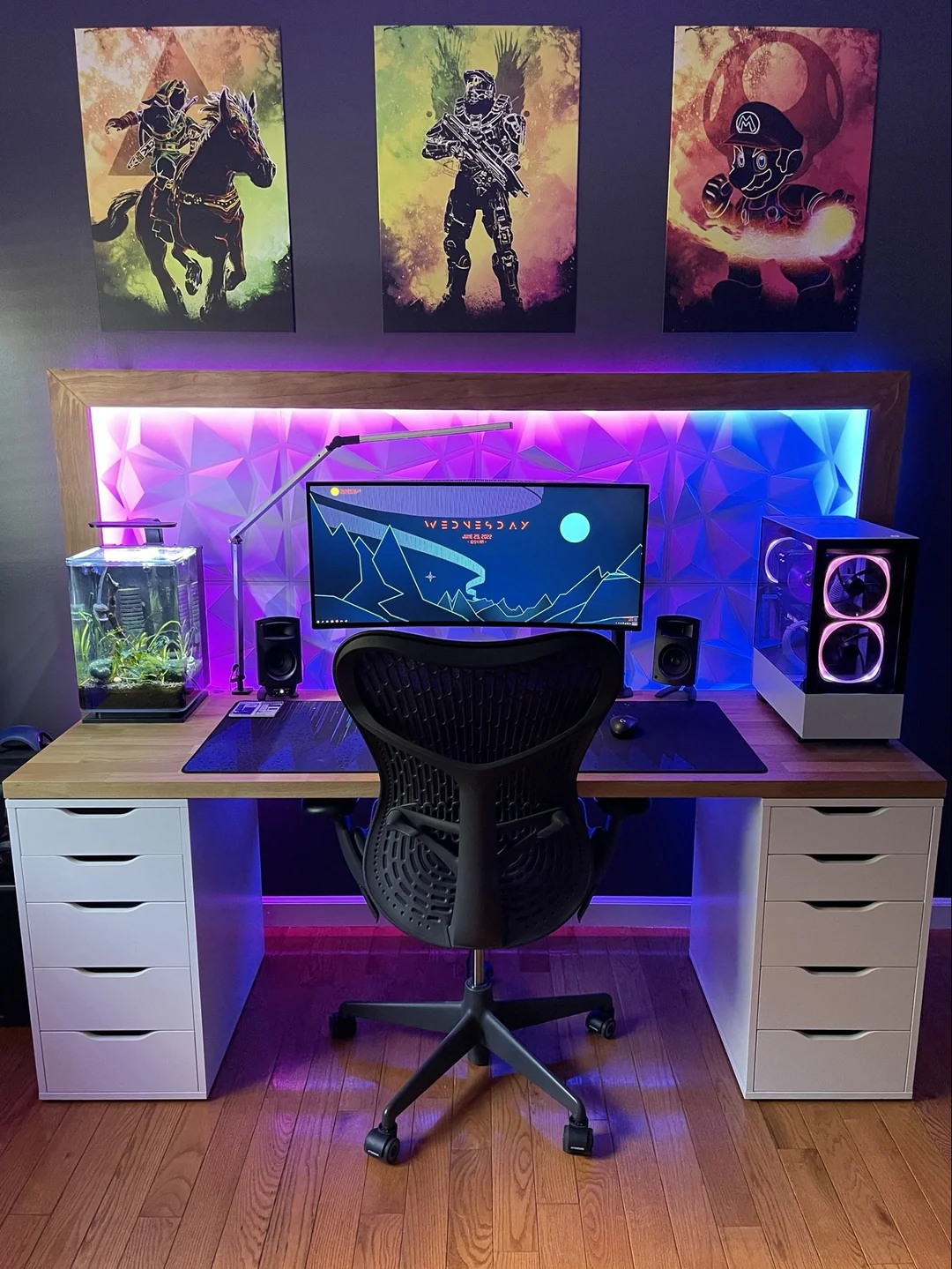
Wall decor gives the gaming room personality. The best choice depends on what you play and what mood you want. A racing game fan may want car prints. A fantasy player may like map art. A retro gamer may use framed cover art. A clean PC setup may look better with simple panels or one large poster.
Avoid covering every wall. Empty space is useful because it lets the setup breathe. If every wall has lights, posters, shelves, and signs, the room can feel noisy. In 2026, cleaner gaming rooms often look better than overfilled ones.
Choose two or three main wall features and let them stand out. A framed print, LED wall shape, or shelf display can be enough. The goal is to show taste, not to prove you own every gaming item possible.
Plan For Cloud Gaming And Multi-Device Play
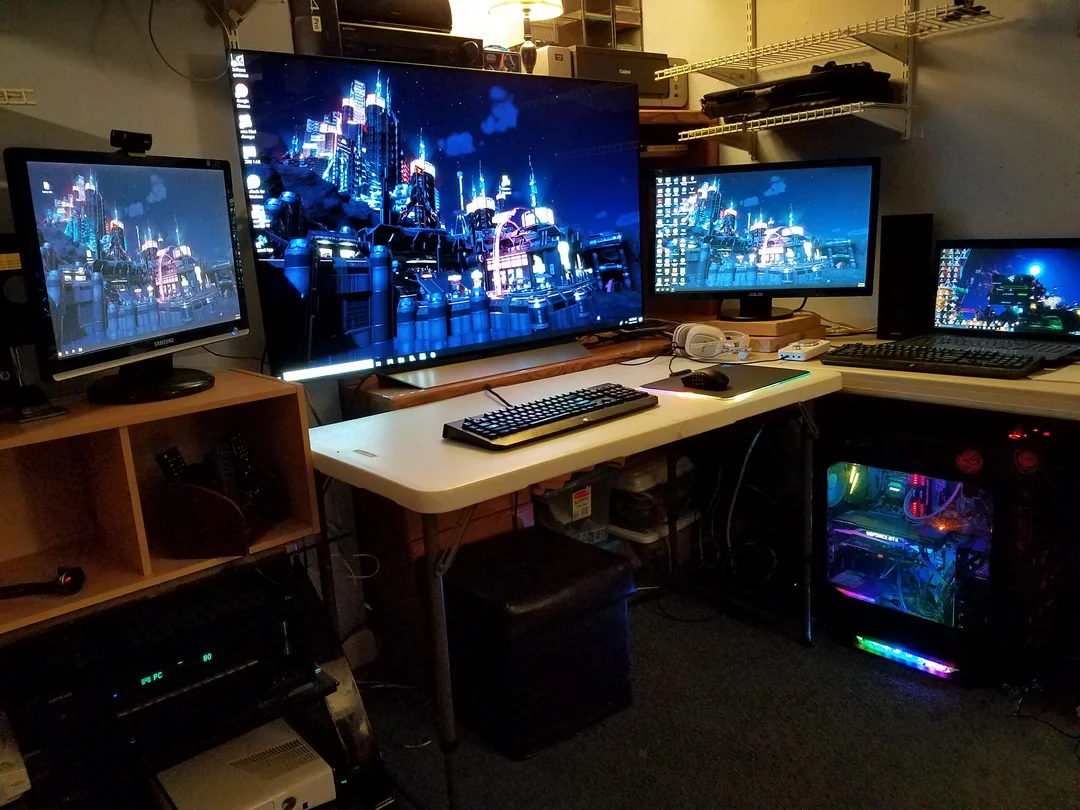
Gaming rooms in 2026 should be ready for flexible play. You may play on a PC one day, a TV the next day, and a handheld device later at night. Cloud gaming makes this even more common because the game can move across screens and devices.
BCG reports that cloud gaming is becoming part of a more hardware-free future, which means players may care more about screens, internet quality, input devices, and comfort than about one single box under the TV.
For this reason, build your room with strong Wi-Fi or wired internet, easy charging spots, extra HDMI access, and a clean place to dock handheld devices. A flexible setup lasts longer because it can change with new consoles, new services, and new play habits.
Keep The Room Clean, Cool, And Easy To Use
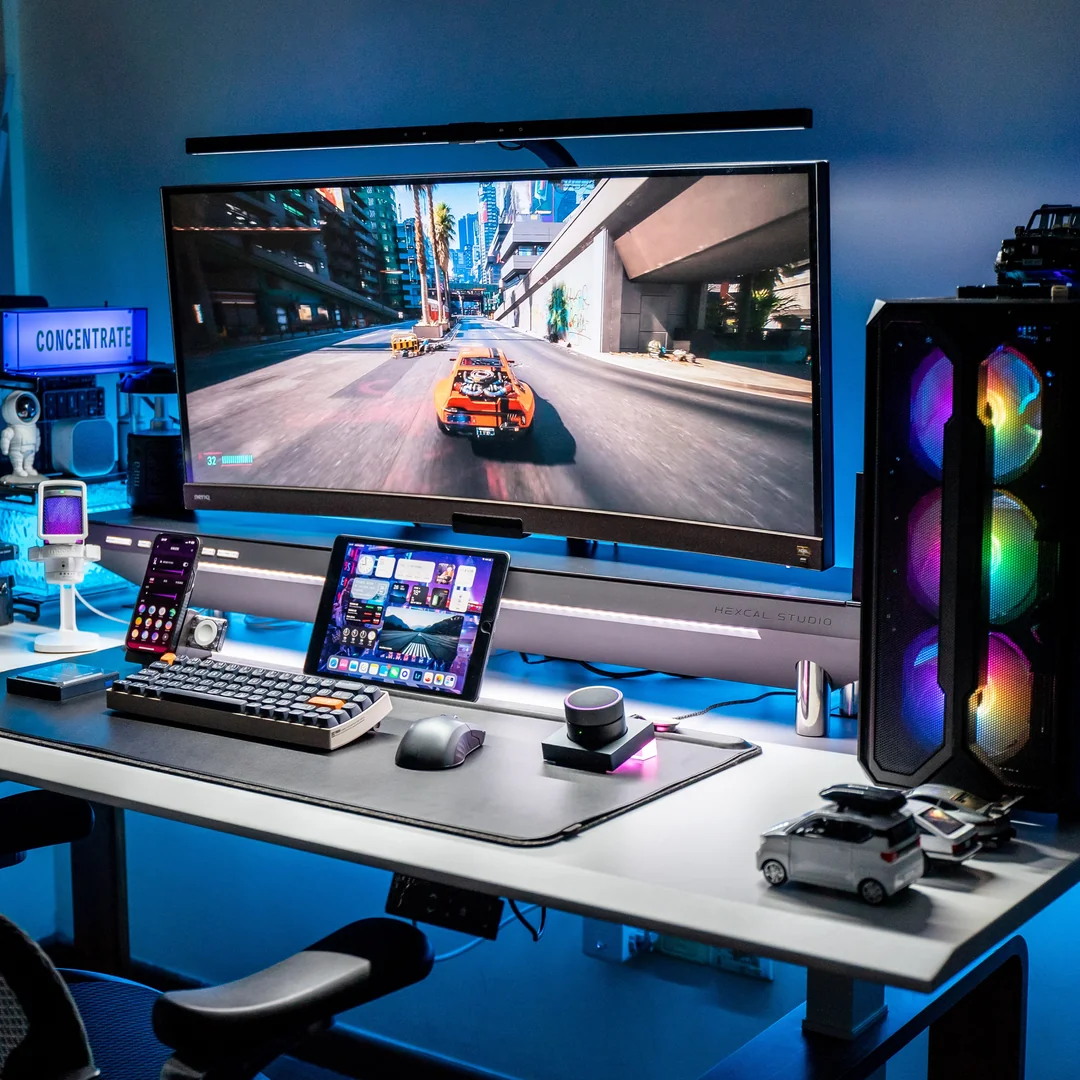
The final gaming room trend for 2026 is simple care. A setup that looks good for one day is not enough. It should stay clean, cool, and easy to use every week. Dust filters, cable trays, wipeable surfaces, good airflow, and easy storage all matter.
Heat is a real issue in gaming rooms. PCs, consoles, monitors, lights, and chargers all add warmth. Keep devices away from closed cabinets unless there is airflow. Do not block console vents. Leave space behind the PC case. If the room gets hot, use a fan, better air circulation, or a cooler lighting setup.
A clean room also helps the gear last longer. Dust can build up around fans and vents. Food crumbs can damage keyboards and attract pests. Keep a small trash bin nearby, use a screen cloth, and wipe the desk often. The best gaming room is not the one with the most gear. It is the one that feels good every time you sit down.
Conclusion
A great gaming room in 2026 is built around comfort, clean design, flexible play, and smart setup choices. Start with the layout. Pick a desk that fits your gear. Set your monitor at the right height. Use a chair that supports your body. Add lighting that helps the room feel calm, not harsh. Hide cables, plan storage, improve sound, and create a background that looks good on camera.
The best gaming room ideas are not only about spending more money. They are about making better choices. A small room can look amazing when the screen, desk, lighting, chair, storage, and decor all work together. A large room can still feel messy if the layout is poor.
Build the room around how you really play. If you stream, make the background clean. If you love console games, build a cozy TV zone. If you play competitive PC games, focus on desk depth, monitor height, chair support, lighting, and cable control. When the setup supports your body and your games, the whole room feels better.

Fatima Khalid
BukayHome shares practical home decorating ideas, room inspiration, and simple styling tips to help readers create a home they truly love.